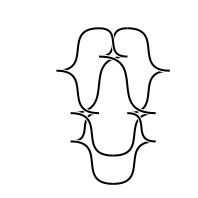
Grid Diagram to Front Projection
Visualizers 1 / 2
1 min read
Table of Contents
Instructions
- Create a table by setting the size and pressing the button.
- Select the colors for your knot.
- Select the scale, size of the strands, for your knot.
- Select the eccentricity, how much the control points pull, for your knot.
- Fill in the table with the grid diagram.
For info on using grid diagrams to define Legendrian knots see
10.48550/arXiv.1903.12256 or
10.2140/agt.2010.10.293.
- Note there is no error handling so if something goes wrong refresh the page and try again
- Click generate to get the image.
- Click “Download” to download a copy of the image.
Foreground color:
Background color:
Eccentricity :
Scale :
Sample images
| x | o | |||
|---|---|---|---|---|
| x | o | |||
| x | o | |||
| x | o | |||
| o | x |
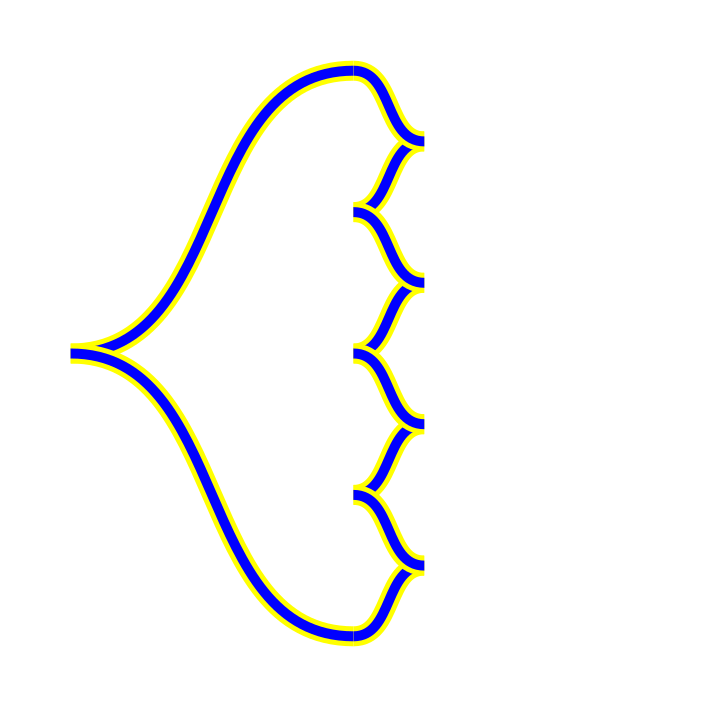
| x | o | |||
|---|---|---|---|---|
| x | o | |||
| x | o | |||
| x | o | |||
| x |
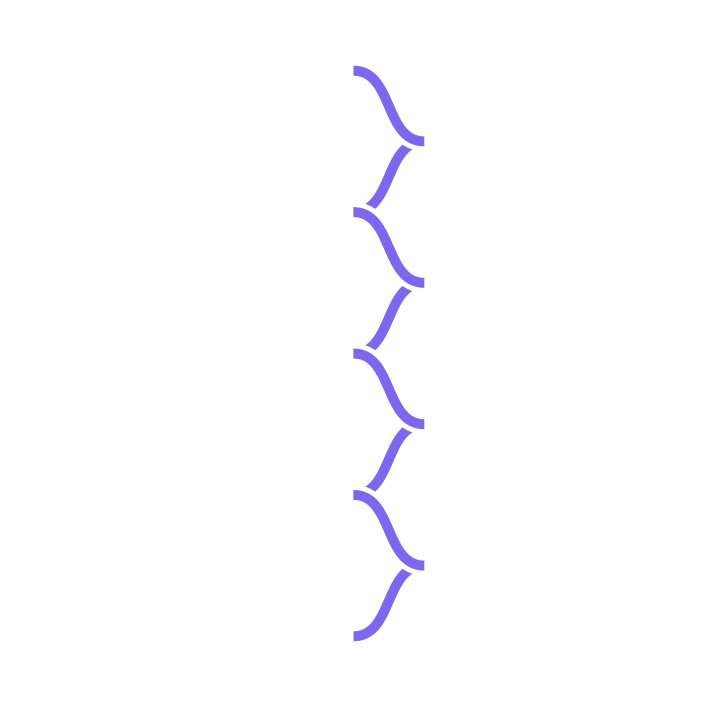
| o | x | |||
|---|---|---|---|---|
| x | o | |||
| x | o | |||
| x | o | |||
| o | x |
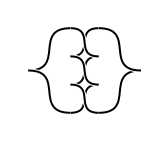
| x | o | |
|---|---|---|
| o | x |

| x | o | |||||
|---|---|---|---|---|---|---|
| x | o | |||||
| o | x | |||||
| x | o | |||||
| o | x | |||||
| x | o | |||||
| o | x |